.jpg)
Managing your work should feel effortless, not overwhelming. That’s why we’ve introduced powerful enhancements in TownSq Workspace for a faster, cleaner experience. These updates help you stay organized with ease, find information in seconds, and keep everything accurate and up to date.
What’s new?
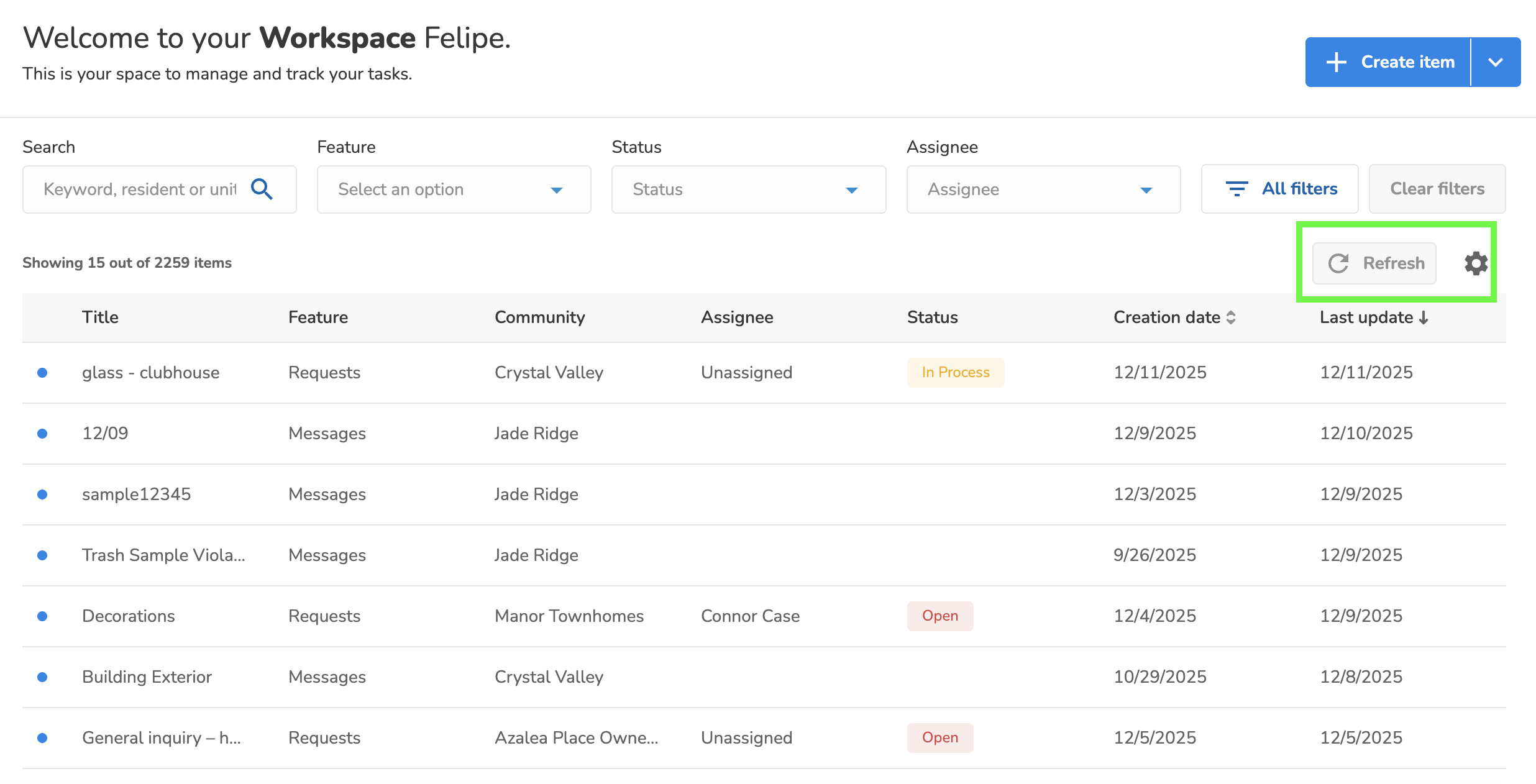
- New table columns
Users can now add “Last updated by” and “To (Messages)” directly from table settings for improved visibility.
- Smart refresh button
The refresh button now highlights in blue when new updates are available, making it easy to spot changes at a glance. When everything is current, it returns to its default state.
• Enhanced filters
Quickly clear all filters with a single click and access expanded filtering options through the “All filters” menu for faster, more precise searches.
“Details” screen improvements
- Centralized details modal
Enjoy a cleaner, more focused view that makes reviewing items intuitive and distraction-free. - Improved attachments experience
Attachments now appear directly in the “Details” panel with quick preview and download options for swifter access. - Direct edit
Update item details inline without leaving the page, saving time and clicks.
Say hello to a smoother, more efficient workflow! Spend less time managing tasks and more time making an impact. With TownSq’s enhanced Workspace, a streamlined workday is at your fingertips.